> ## Documentation Index
> Fetch the complete documentation index at: https://docs.maestrobots.com/llms.txt
> Use this file to discover all available pages before exploring further.
# Auto Snipe Configuration
> Select default configuration for newly added auto-snipes.
Before setting up a snipe, it is recommended to specify the default configuration that will be used for newly added auto-snipes. This will save you time by having your added snipes pre-configured to the settings of your preference, such as for gas price, slippage and *Auto Sell*.
To access the Auto Snipe Configuration, head to the `/start` menu, select "Auto Snipe" followed by your chain of preference to reveal the Auto Snipe Menu shown below:
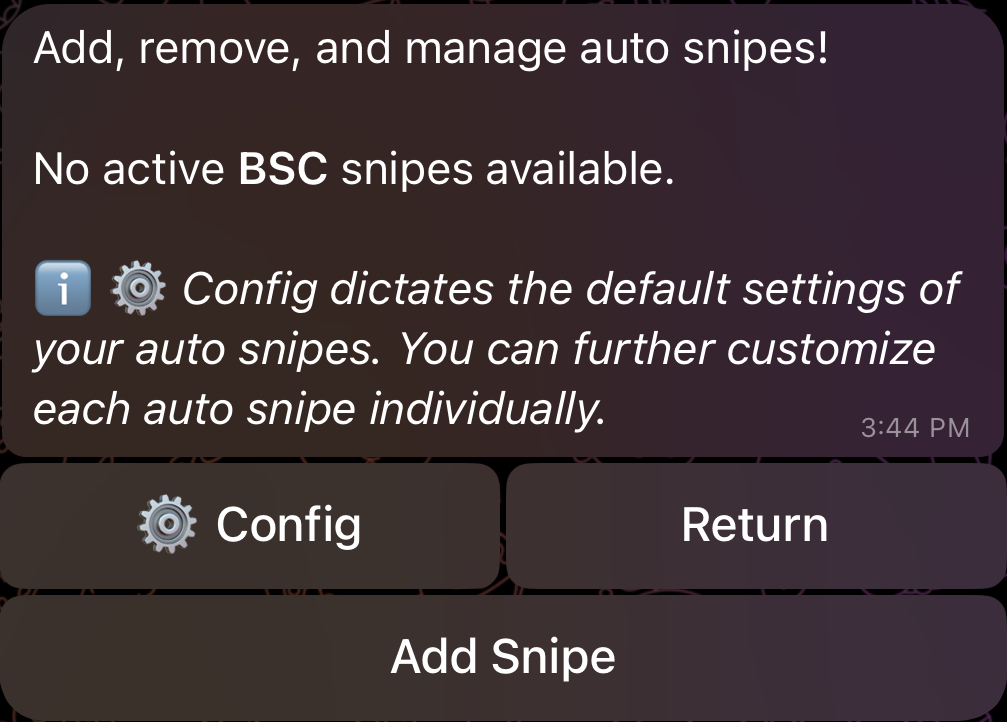 Next, click on "⚙️ Config", and you will be redirected to the Auto Snipe Configuration Menu. This menu will be explored in detail in the following sub-sections.