

Auto Snipe on Ethereum and BSC
On Ethereum and BSC, the bot offers a complete auto-sniping solution that includes the following features:- Completely Automated Sniping: You don’t need to simulate or go through complex contracts to figure out the right method or approach for sniping. Auto Snipe completely automates this process and snipes the launch in Block-0, or as soon as the launch lands when it was sent privately. On Ethereum only, Block-0 snipes can be paired with Block-0 Tipping to secure extremely early entries. Further details are provided below.
- Dynamic Deadblock Detection: Deadblocks are blocks in which you should avoid buying the token as you could get blacklisted, or suffer a significant buy and/or sell tax either temporarily or permanently. Today, many contracts can change deadblocks within their launch functions, which hinders even the most experienced snipers. However, Auto Snipe can dynamically detect and adjust to any deadblock specifications, even for the most complicated contracts and launch methods.
- User-controlled Tax Thresholds: Many tokens are initially launched with high buy and/or sell taxes. Auto Snipe gives you the ability to select the maximum buy and sell taxes that you’re willing to accept for your snipe. If a token launches with taxes that you don’t approve of, Auto Snipe will notify you that the contract violates your preferences and will wait until taxes are lowered before buying.
- Dynamic Max Buy Adjustment: When sniping a token launch, many users would like to secure the contract’s max buy. In these cases, attempting to buy beyond the token’s max buy will have your transaction rejected by the token contract. However, Auto Snipe completely addresses this by making sure that your buy never violates a contract’s max buy. If you try to buy 2% of the supply when max buy is 1%, the bot will auto-adjust your buy. This will apply even when your snipe is targeting Block-0.
Block-0 Snipes on Ethereum
Block-0 snipes on Ethereum use Block-0 Tipping: the higher the tip you set, the better your entry in the launch block. Along with the Block-0 snipe, the bot can also send an independent Backup TX for you, so if the Block-0 snipe does not go through, you still buy right after the launch. You can enable or disable it to your liking, and it never causes you to buy twice. Both are sent privately, so getting sandwiched is not a concern.Auto Snipe on Solana
On Solana, the bot offers a complete and automated sniping solution for all tokens launched on Raydium V4 pools, guaranteeing you early entries every time.Opening the Auto Snipe Menu
To access the Auto Snipe Menu, head to the/start menu and select “Auto Snipe” followed by your chain of preference:
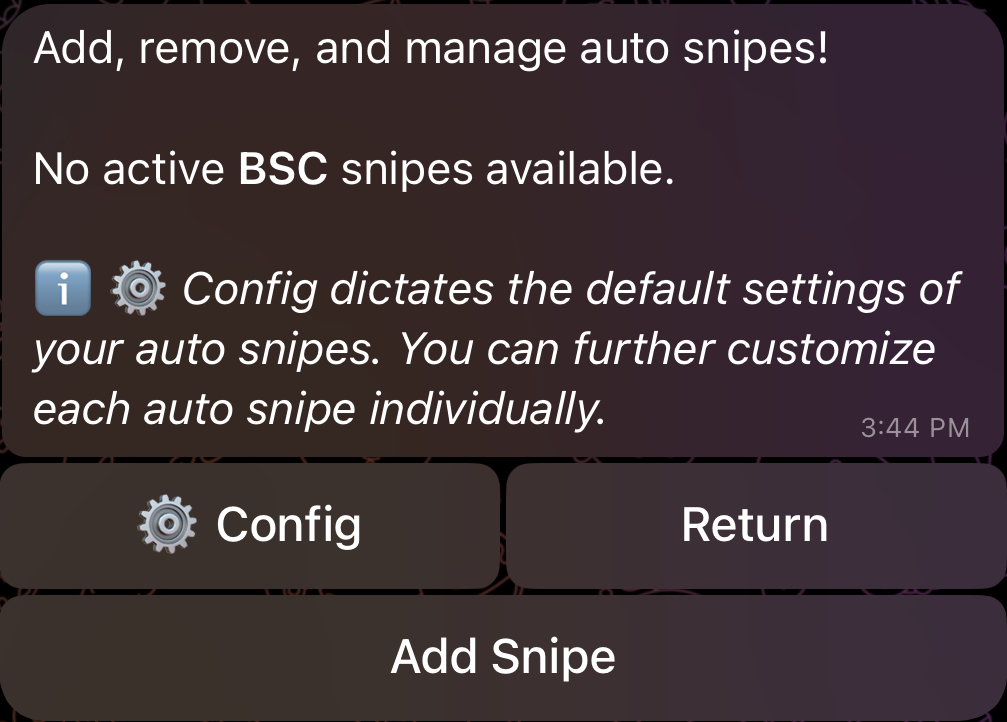
Auto Snipe Menu
Default Configuration
Before setting up a snipe, it is recommended to specify the default configuration that will be used for newly added auto-snipes. This will save you time by having your added snipes pre-configured to the settings of your preference, such as for gas price, slippage and Auto Sell. In the Auto Snipe Menu, click on “⚙️ Config”, and you will be redirected to the Auto Snipe Configuration Menu.Adding a Snipe
In addition to the configuration, each added Auto Snipe will have its own settings which can be further customized to override the values specified in the configuration. This allows you to uniquely tailor your experience based on the token that you’re sniping. There are two ways to add a snipe, and both open the Auto Snipe Settings where you customize and activate it:- In the Auto Snipe Menu, click Add Snipe and insert the address of the token you want to snipe.
- Paste the contract or the chart of a token that is not tradable yet, then click 🎯 Snipe Now or ⚙️ Snipe in its Token Report.
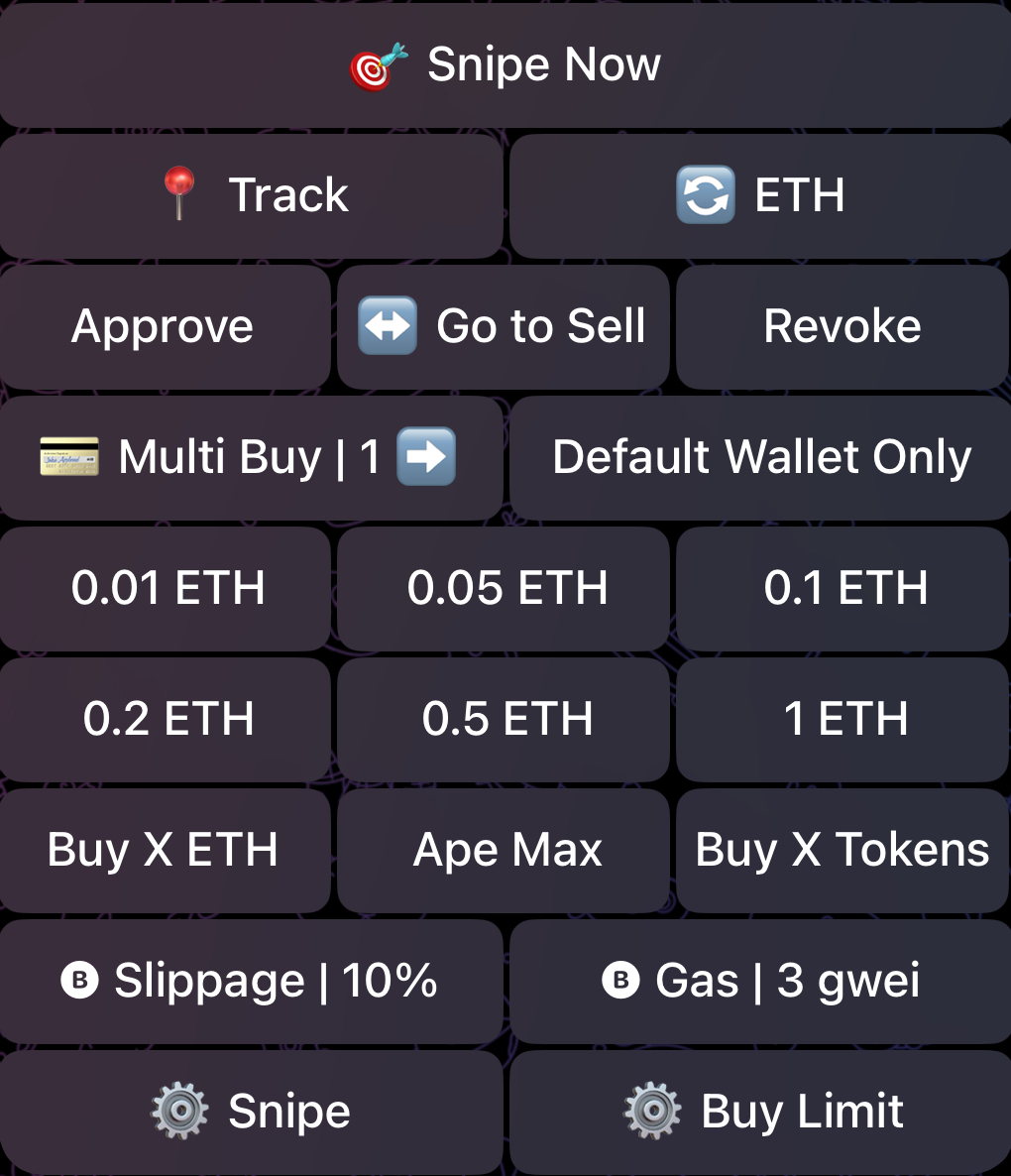
Example Token Report Buy Menu for a Non-Tradable Token