

Starting the Bot
To begin, head to Maestro Bot and click on “Start”. The bot will reply to you with a Captcha that you need to solve for verification as shown in the example below: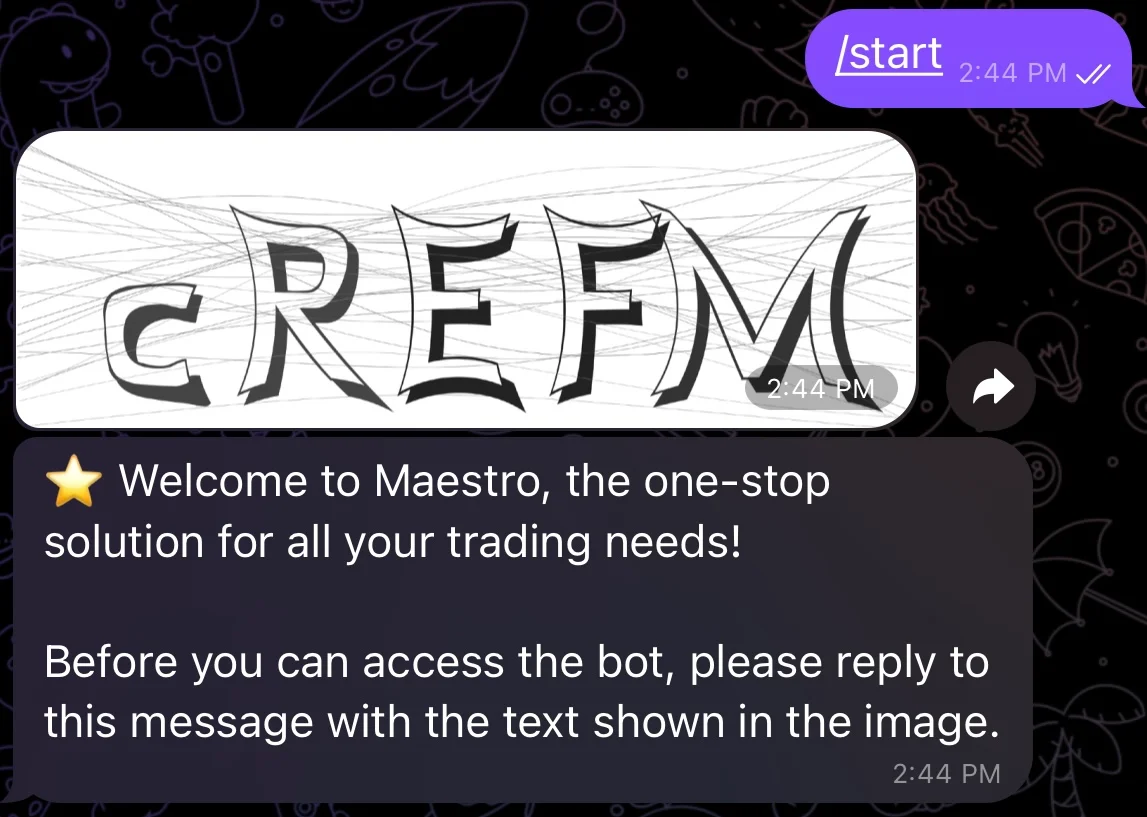
Captcha Verification
/start in your DMs with the bot. Once verification is successful, the bot will reply to you with the following message:
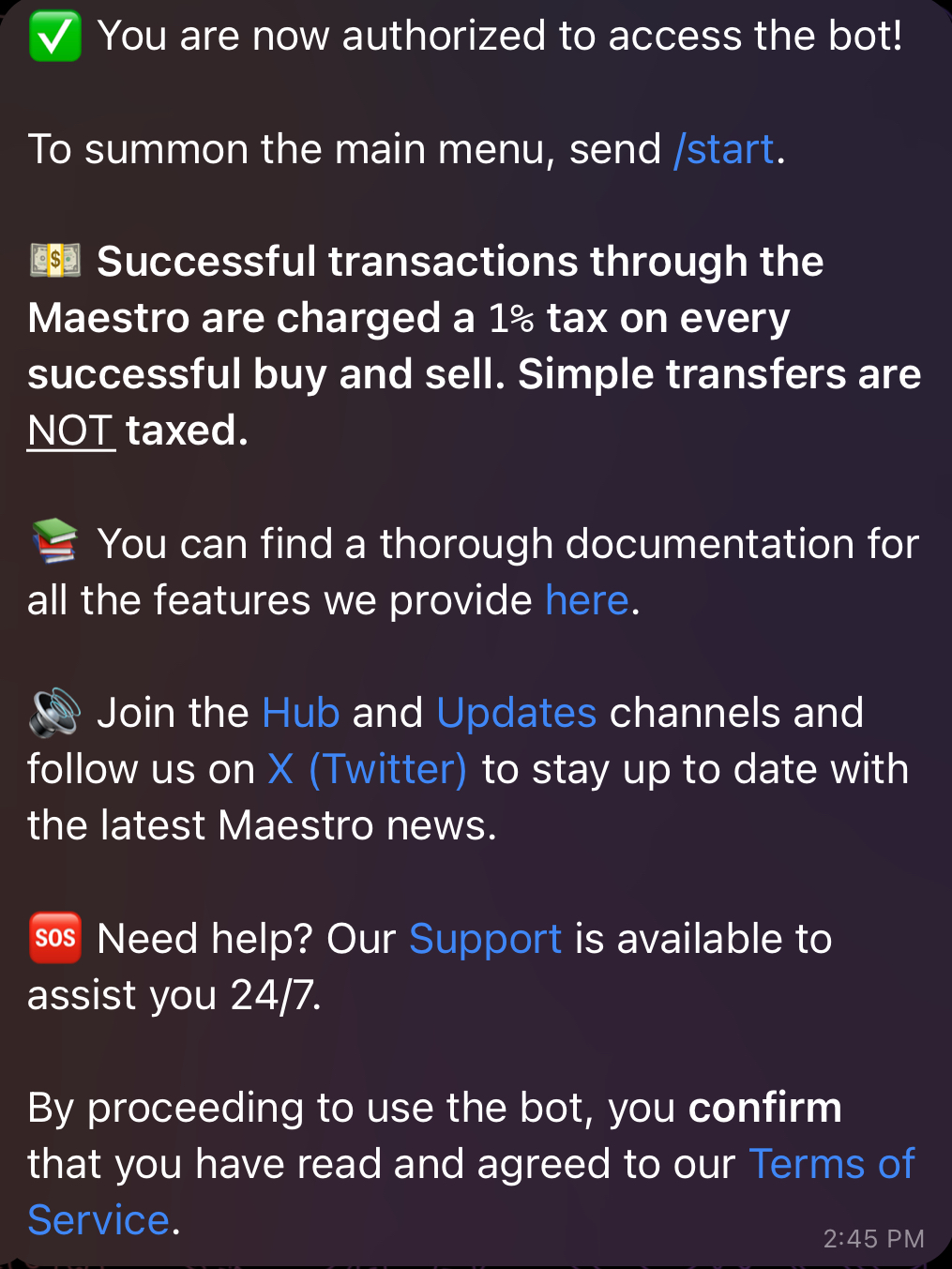
Welcome Message
/start in your DMs with the bot to spawn the main menu displayed below:
.jpg)
Main Menu
- 🔗 Chains — enable or disable chains and set up their wallets.
- 💳 Wallets — import or generate wallets for each enabled chain.
- ⚙️ Global Settings — configure gas, slippage and trade defaults that apply across your wallets.
- 📡 Signals, 👫 Copytrade, 🎯 Auto Snipe — the bot’s automated trading modes.
- 🕓 Active Orders and 📈 Positions — check your active limit orders and monitored trades.
- ↔️ Bridge — cross-chain swaps, powered by Relay.
- ⭐️ Premium — upgrade to Premium for higher limits and exclusive features.
- 💰 Referral — earn from referrals.
- 💸 Cashback — claim rebates on your trading fees.
- 🇺🇸🇨🇳 Language — switch the bot’s interface language.
- ⚡ BUY & SELL NOW! — paste a contract address to open the token’s trade panel.
Enabling/Disabling Chains
By selecting 🔗 Chains from the Main Menu, you can enable or disable chains based on your preference as shown in the figure below. Alternatively, you can reach this menu by sending the command/chains in your DMs with the bot. The bot currently supports twelve chains: Solana, BNB Smart Chain (BSC), Base, Ethereum, Monad, Sonic, Avalanche, Arbitrum, Hyper EVM, Robinhood, Tron (TRX) and TON. By default, these chains are displayed as options for each of the bot’s functionalities, but you can limit this to your chains of interest by disabling chains that you don’t currently trade on. In addition, you have the option to import an existing wallet or generate a new one by clicking on the ”💳 Wallets” button which appears next to each chain, as shown below. We go over the process of setting up a wallet in detail in Section 2.
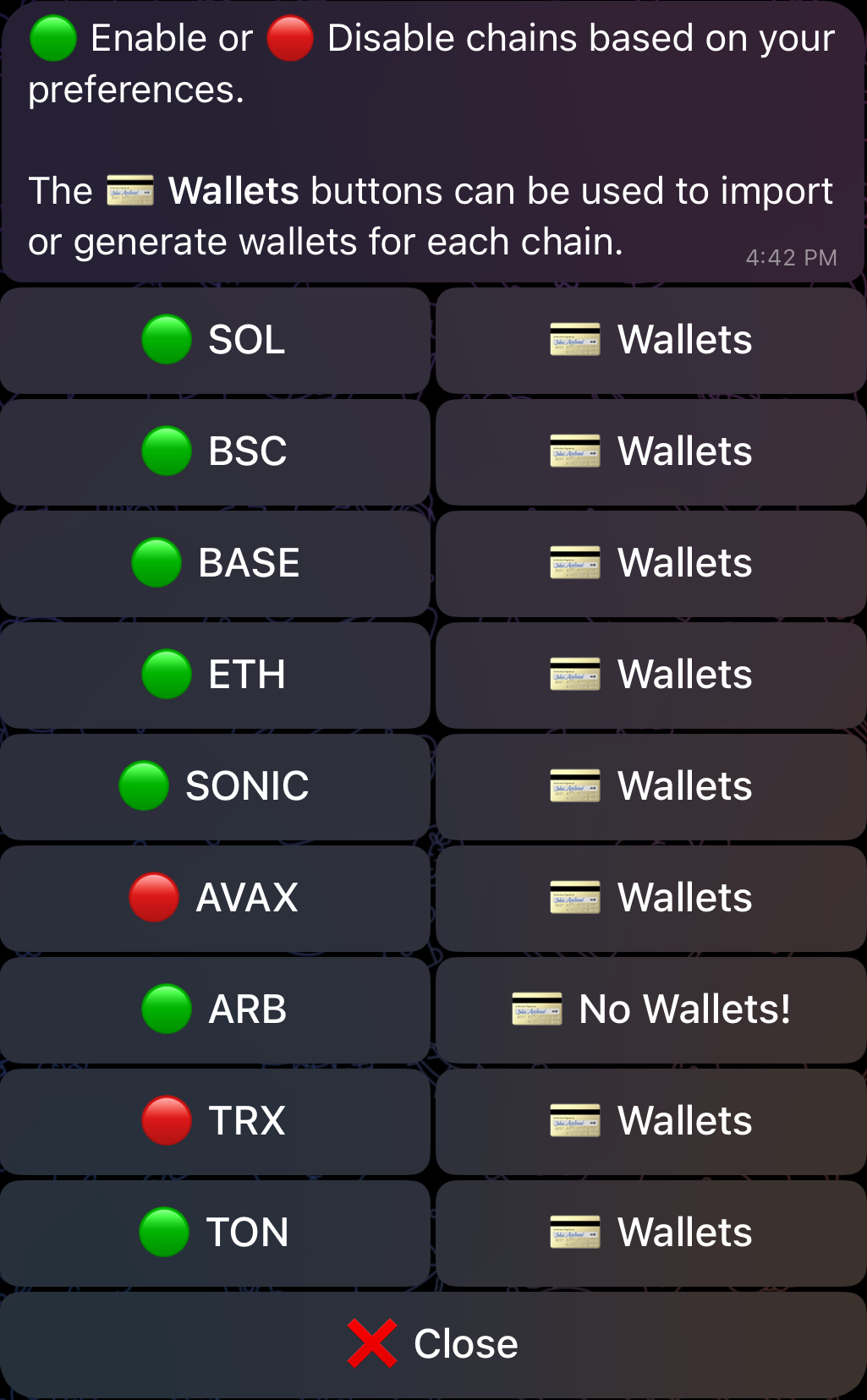
Chains: Enabling Chains of Interest.
With the exception of TON and Solana, all remaining supported chains are referred to as EVM-compatible chains throughout this documentation.
Supported DEXs and Launchpads
For each chain, the bot currently supports the following DEXs and launchpads:| Chain | Supported DEXs |
|---|---|
| BSC | PCS V2 | PCS V3 | PCS Infinity CL | FourMeme/SpringBoard |
| Ethereum | Uniswap V2 | Uniswap V3 |
| Arbitrum | Uniswap V3 | SushiSwap V2 | OreoSwap | Camelot |
| Base | Uniswap V2 | Uniswap V3 | SushiSwap V2 | Aerodrome V2 | Virtuals | PancakeSwap Infinity CL |
| Avalanche | Trader Joe V1 | Trader Joe V2.1 |
| Sonic | NDYOR V2 | SonicSwap V2 | SBoom V2 | SushiSwap V2 | MetropolisSwap V2 | ShadowSwap V2/V3 | SwapX V2/V3 | Wagmi V3 |
| Monad | Uniswap V2 | Uniswap V3 | PancakeSwap V2 | PancakeSwap V3 | Monday V3 | Noxa V2 | NadDotFun | FlapLaunch | DYORSwap | DYORPump | CapricornCL | Printr |
| Hyper EVM | HyperSwap V2/V3 | KittenSwap V2/V3 | LiquidLaunch | Project X V3 |
| Robinhood | Uniswap V2 | Uniswap V3 | Uniswap V4 | Virtuals | FlapLaunch | Livo V2 | Trench | DYORPump | DYORSWAP | Bags | RobinFun | HoodFun | ApeStore | NoxaFun | LeaveHood |
| Solana | Raydium | Orca | Meteora | FluxBeam | Pump․Fun | Moonshot |
| TRX | SunSwap V2 | SunPump |
| TON | DeDust V2 | STON․fi |